
 Event series · Claude for Marketers
Claude for Marketers nights.
Evenings for marketers, growth people and agency crews across Australia. Practitioners show how they really use Claude on briefs, SEO, ads and reporting, then we build it together on real-style briefs. Next one: [NEXT MARKETING NIGHT].
Here's the Q4 brief and last quarter's ads export. Draft three landing page headlines, ten Google Ads headlines under 30 characters, and tell me which campaign we should cut
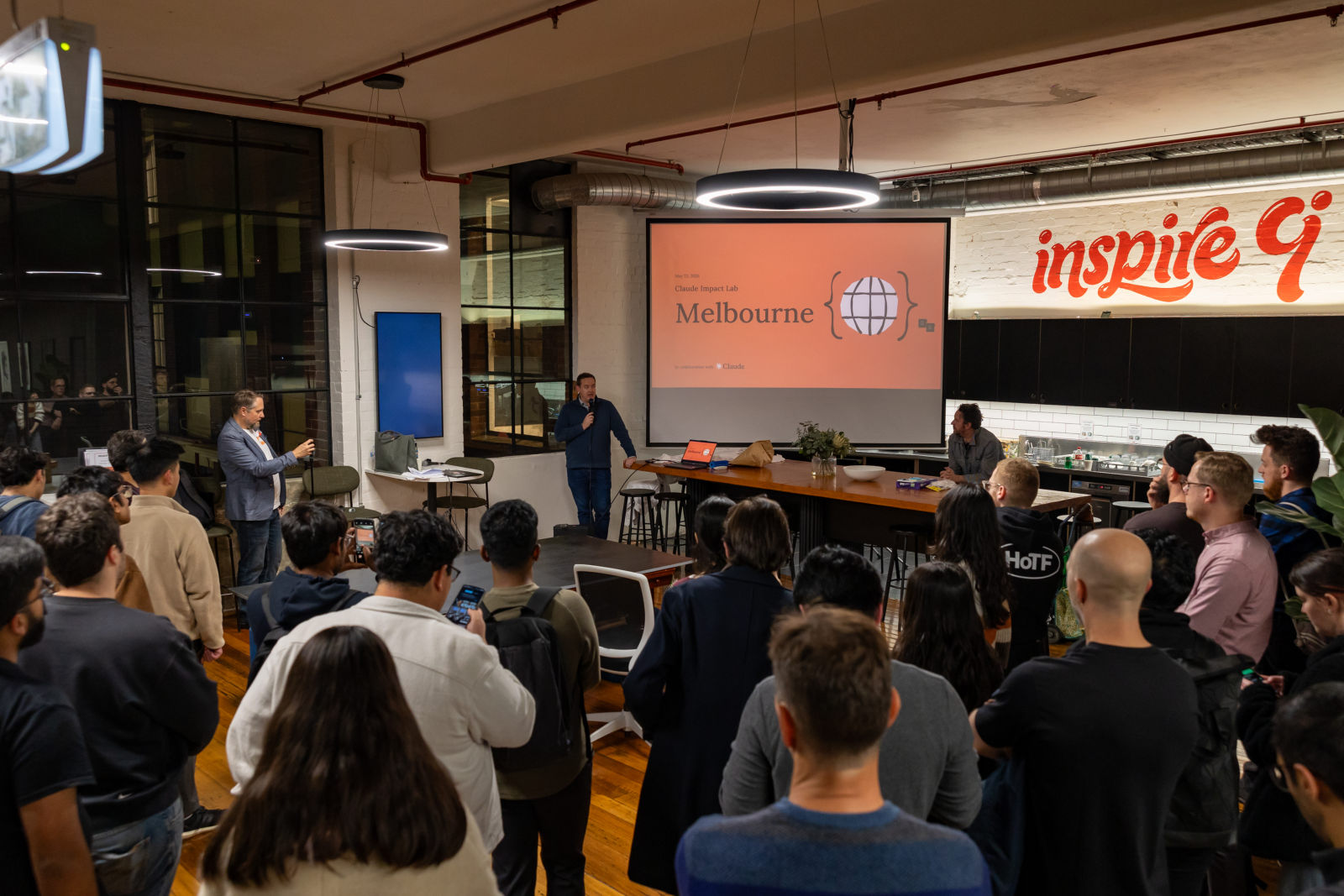

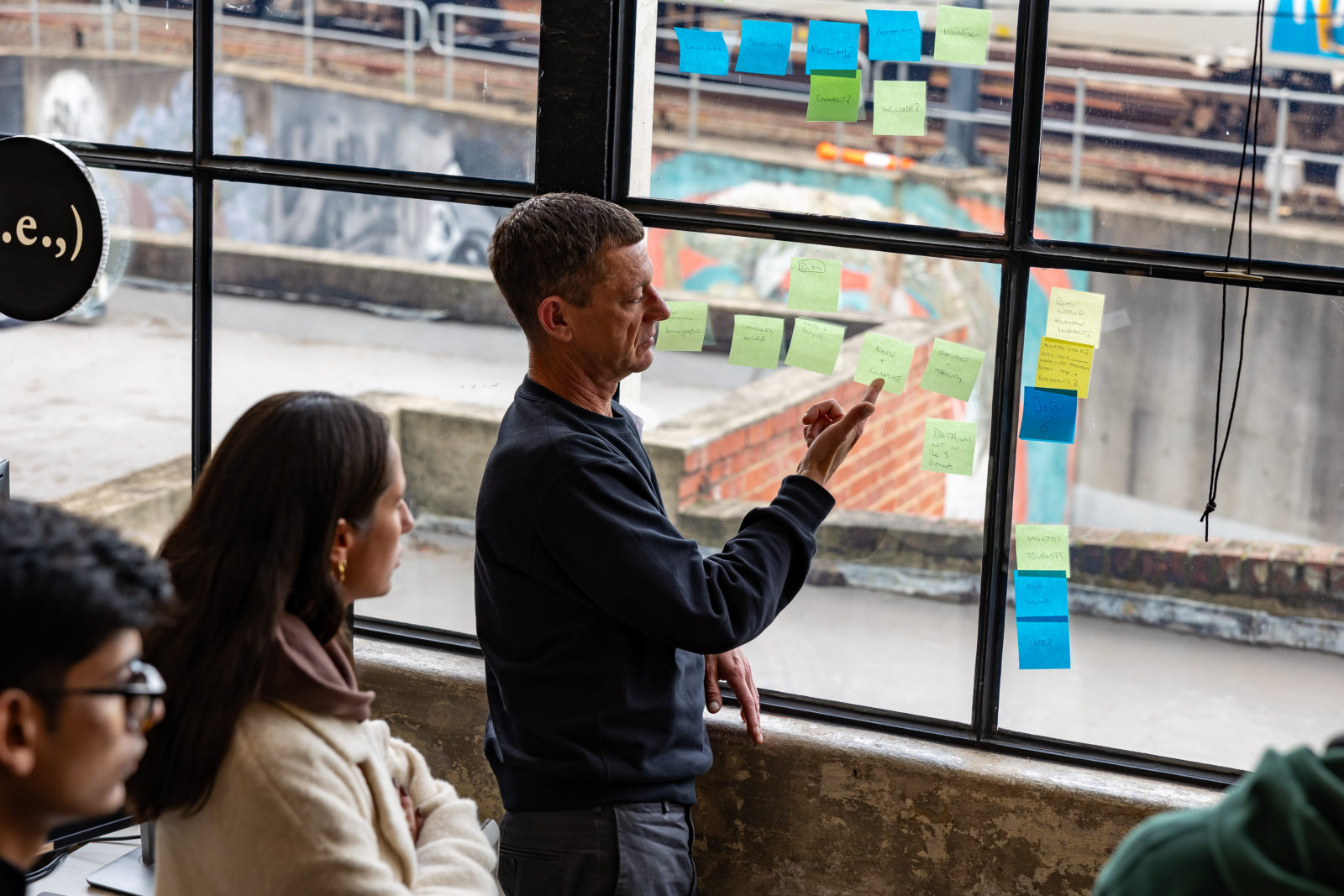
What you'll learn.
Session topics across the series. Each one is a short talk from someone doing it for real, then hands-on time on your own laptop.
Landing pages
We build a responsive, accessible landing page from a brief or wireframe description, live, with proper heading structure.
Email templates
You'll learn how to get HTML emails that hold up in Outlook, Gmail and Apple Mail, dark mode included.
Analytics and tracking
We walk through planning GA4, Segment or Mixpanel events with a proper schema, and a dashboard that shows the numbers that matter.
A/B testing
You'll see how to set up variants and the tracking that tells you which one actually won.
CRM integrations
We look at sync scripts and webhooks for HubSpot, Salesforce or ActiveCampaign, and when to get a dev to check your work.
CMS plumbing
You'll learn how content models, preview routes and webhooks fit together in Contentful, Sanity or Strapi.
How a Claude for Marketers night runs.
Short talks from people doing the work, then laptops open. No pitches, no fluff.
Doors
Grab a drink, find a seat, get on the wifi.
Short talks
Two or three practitioners show what they actually do, about ten minutes each.
Hands-on
Laptops open. We work through the session prompts on real-style examples, with helpers in the room.
Q and A, show and tell
Questions, what worked, what didn't, and a few people show what they made.
- A laptop and charger
- A Claude account
- A brief or export you're allowed to share
- The question you've been stuck on
Getting found on Google, and in the answer.
Search has two front doors now: the classic results page, and the AI answer sitting above it (and inside ChatGPT and Perplexity). This session walks through how marketers use Claude on the grunt work behind both. Nobody honest promises rankings, and neither do we.
Look for a bookkeeper who works with trades and knows the ATO's rules for subcontractors. [Your business] offers fixed monthly packages for sole-trader tradies in Melbourne, with BAS lodgement included.
Clear answers, real expertise, tidy structure. The same things that have always worked, done properly on every page.
- Answer the question in the first two sentences
- Say who you are, where you work and why you know
- Mark it up so machines can read it
- Link your pages like a library, not a maze
Cluster the keyword export
You'll learn to take the CSV from your keyword tool and group topics by intent, so one page targets one job.
Group these 400 keywords into clusters by search intent. For each cluster give a page title, the main keyword and which existing URL should own it.
Briefs from the cluster
We turn a cluster into a brief your writer can run with: intent, outline, questions and proof to include.
Write a content brief for the [CLUSTER] cluster: who's searching, H2 outline, questions to answer, the first-hand examples we should add and a meta description.
Schema markup, done right
We write JSON-LD for local business, services, FAQs or articles from the page copy, then test it before it ships.
Write LocalBusiness and Service JSON-LD for this page. Use only facts from the copy I've pasted and flag anything you had to leave out.
An internal linking plan
You'll map a hub-and-spoke linking plan from your own page list, with natural anchor text.
Here's our page list. Pick the five hub pages, map which pages should link to each, and suggest natural anchor text for every link.
Audit a page for the answer engines
We review a page the way an AI assistant would: does it answer the question, show expertise and read easy to quote?
Review this page as if you were an AI assistant answering "[QUESTION]". Would you quote it? What's missing, vague or buried, and what should we fix first?
FAQ blocks worth quoting
You'll pull the real questions from sales calls and support tickets, then write tight, self-contained answers.
From these call notes, list the 8 questions customers ask most. Answer each in under 60 words, plain English, with the answer in the first sentence.
Variants, not vibes.
In the ads session we set the limits (characters, audience, words you never use) and write variants you can actually test, for search and social. These were built live in the room.
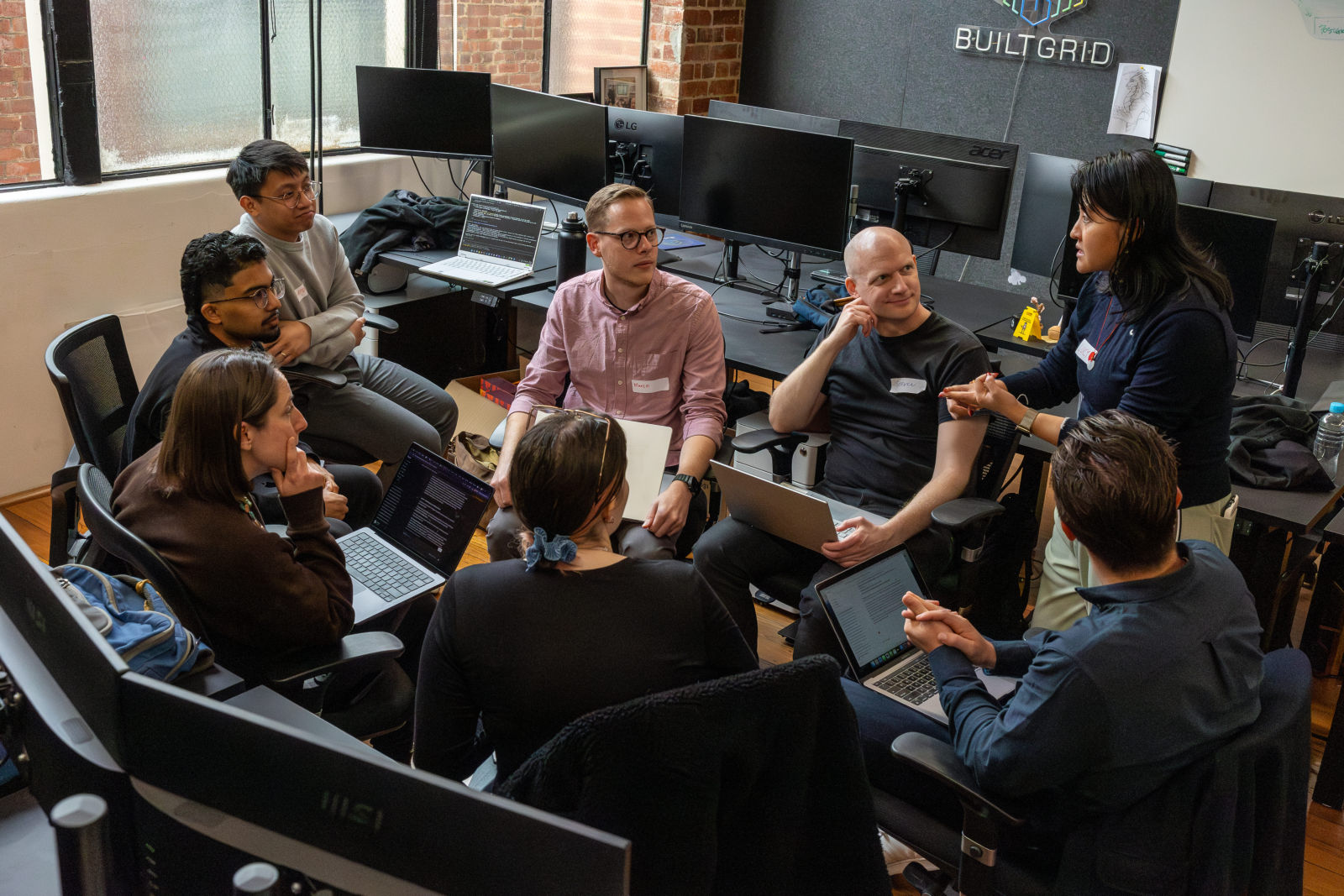
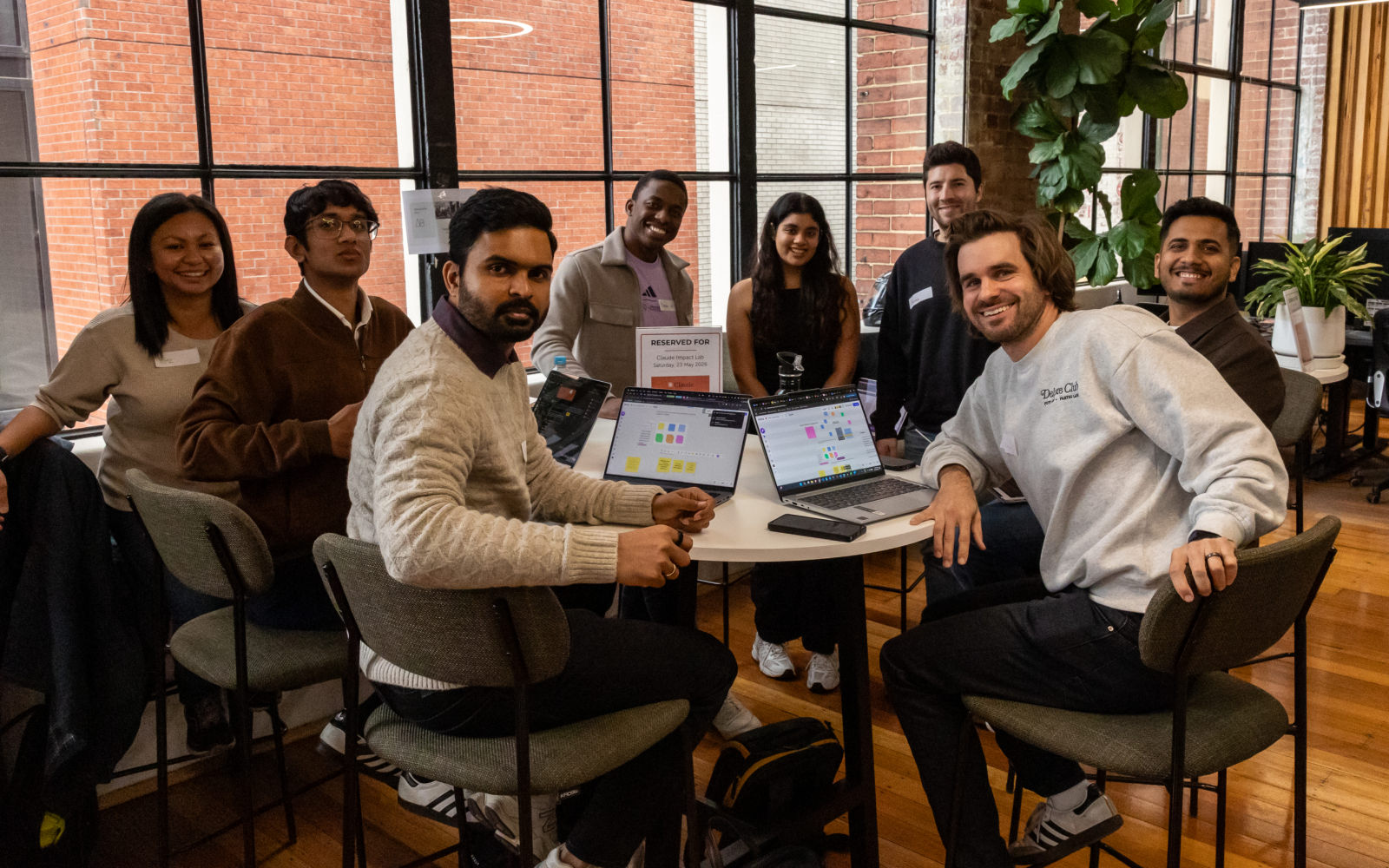
Turn this case study into six carousel posts. One idea per post, a headline under eight words, and a caption that ends with a question.
From “we'll get dev to look at it” to live.
In the build session we take a tired landing page and rebuild it with Claude Code: sharper message, one clear action, clean semantic markup. You still review it and you still ship it.

Nine prompts we work through on the night.
Everyone leaves with these. Swap in your own details and keep the ones that work in a Project so the whole team can reuse them.
Teach it your brand voice once
We set up a Project with your brand guidelines, tone notes and a few of your best posts, so every chat inside it starts on-brand.
Using the brand voice guide in this project, rewrite this product update for our customer newsletter. Keep it under 150 words and end with one clear call to action.
Brief to first draft
Paste the brief, ask for a structured draft plus the questions it couldn't answer, and catch the gaps before the client does.
Here's the campaign brief. Draft the landing page copy: headline, subhead, three benefit blocks and a CTA. Then list anything in the brief that's unclear.
One asset, every channel
Write the long piece once, then cut it down for each channel while keeping the message identical.
Turn this blog post into a LinkedIn post, three short social posts, a 60-word email teaser and a 15-second video script. Same core message, only the format changes.
Ad variants with hard limits
Constraints make better copy. Give it character counts, the audience and the words you never use.
Write 10 Google Ads headlines for [PRODUCT], max 30 characters each, for small business owners in Australia. No exclamation marks. Show the character count next to each.
Let it read the campaign export
Bring the CSV from your ad platform. We chart it together and talk through the decision, which is still yours.
This CSV is last quarter's campaign data. Which three campaigns had the best cost per lead, which ones got worse month on month, and what would you test next? Show a chart.
SEO briefs writers will actually use
Get the structure, intent and questions sorted before anyone starts writing.
Build a content brief for the keyword [KEYWORD]: search intent, suggested H2s, questions to answer, internal link ideas and a 155-character meta description.
Competitor teardown
Pull apart a competitor's positioning from their page copy, then do the same to your own.
Here's the copy from a competitor's landing page. Break down their positioning, offer and proof points, then tell me where our page is weaker and what we should say instead.
Mock it up before you brief design
We ask for an Artifact so you get a mockup you can click through and share, not a wall of description.
Make an interactive mockup of an email sign-up section: headline, one field and a button, in our brand colours. Give me two layout options side by side.
Build the small tools yourself
We build one of the little internal tools that never makes the dev roadmap, right from the terminal.
Build a single-page UTM link builder for our team: fields for source, medium, campaign and content, a copy button, and a list of the last 20 links saved in the browser.
Deeper sessions for technical marketers.
Landing pages, hands-on
A longer build session: we go from a brief to a working page together, then talk about what it takes to ship it properly.
- Complete pages from a brief or wireframe description
- Reusable heroes, testimonials, pricing tables and CTAs
- Responsive layouts that hold up on mobile
- Micro-interactions with CSS or Framer Motion
HTML email that renders
HTML email is notoriously fiddly. This session covers the rendering quirks and how to test for them.
- Table-based layouts that render in Outlook
- Dark mode with proper colour fallbacks
- Responsive hybrid coding
- MJML or Foundation for Emails from plain descriptions
Tracking you can trust
Tracking is easy to get wrong and expensive to fix. We plan the structure together before anyone writes code.
- GA4 e-commerce and custom events with proper parameters
- Server-side tracking with Segment or RudderStack
- Looker Studio and Metabase queries
- UTM handling and attribution helpers
Questions people ask.
Do I need to know how to code?
No. Most sessions are no-code. The technical ones (landing pages, tracking, email) are labelled so you know what you're walking into.
What should I bring?
A laptop, a Claude account and a real brief or export you're allowed to share. Strip out anything confidential first.
Can I speak at one?
Yes please. Five minutes on how you use Claude on real campaigns, warts and all, is exactly what the room wants.
Come along in the meantime.
All eventsNothing booked right now. New dates land here first.
See all eventsSpeak at a Claude for Marketers night.
Five minutes is plenty. Show the room how you use Claude on real campaigns, warts and all.